
Major Changes Are Coming to Print and Scan: Is Your Organization Prepared?
June 15th, 2026
5 min read
By Admin
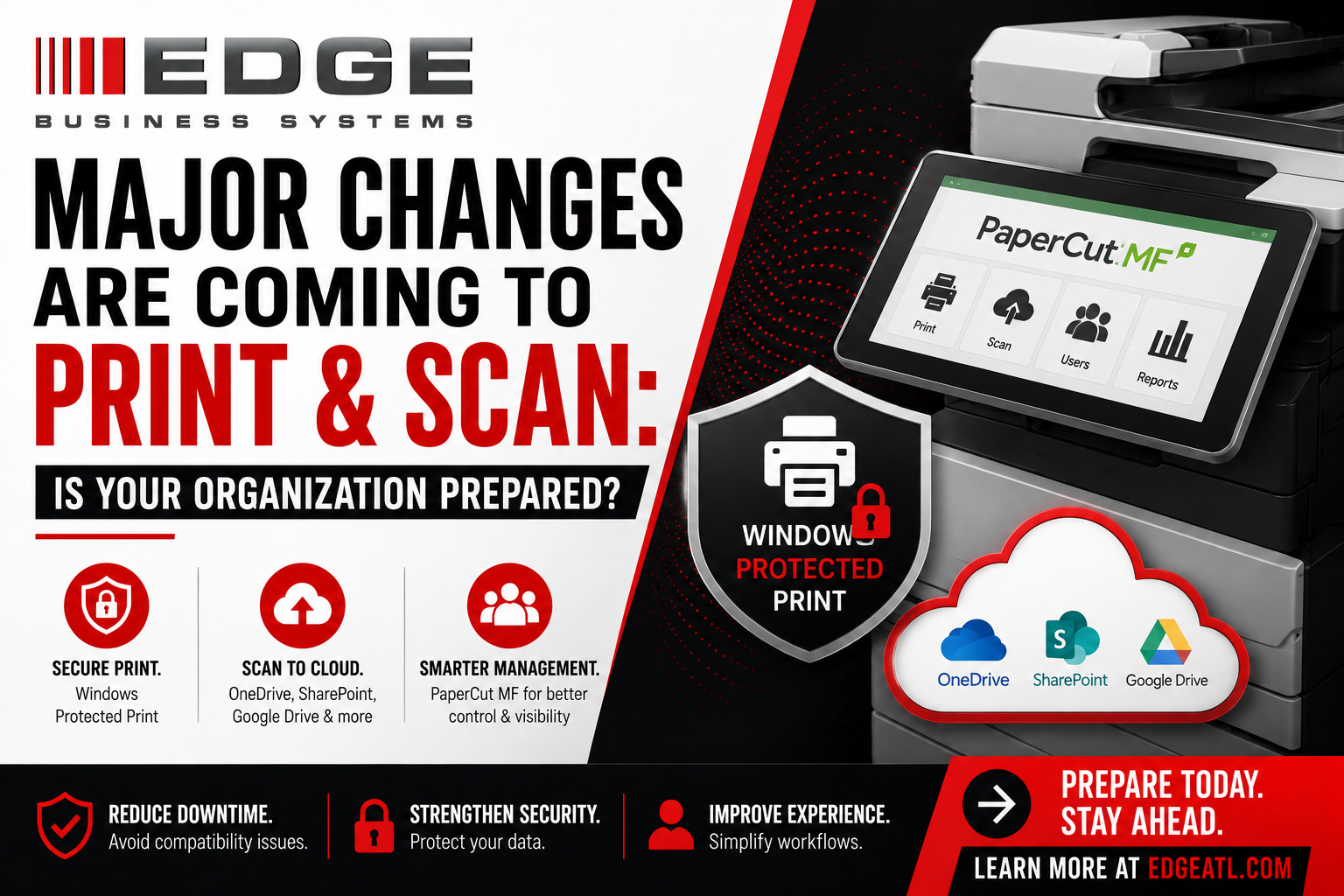
The way organizations print and scan is changing — and faster than most IT teams expected. There has been a serious shift away from on-premise architecture toward the cloud, and ever since COVID accelerated remote and hybrid work, the requests landing on IT desks look very different than they used to. Clients are asking to scan straight to the cloud. They want consistent default settings pushed out everywhere — black and white, single-sided — without chasing every workstation. And new requirements like Windows Protected Print are quietly reshaping what a “normal” print environment looks like.
Scanning to the cloud is one thing. Print, as our team explains in the video below, is a different challenge entirely. Pushing out drivers, keeping default settings consistent, enabling secure scan-to-cloud, and staying ahead of Windows Protected Print are all causing real disruptions for end users and real inefficiencies for the IT groups who support them. Most organizations already know they need a better print management solution. The harder question is which kind.
The question every IT team is asking: cloud or on-premise?
When organizations come to EDGE to modernize print and scan, the single biggest question we hear is simple to ask and surprisingly complex to answer: “Should I go cloud, or should I stay on-premise?”
The honest answer is that it depends on what you actually need your print environment to do.
If your goal is mainly to push out print drivers and standardize settings across your fleet, cloud is perfectly fine. It’s clean, it’s centralized, and it takes a lot of manual driver management off your plate.
But the moment you want to do more — scan to the cloud at the copier, release secure print jobs, recover costs, or tie printing back to your directory — the differences between cloud and on-premise start to matter a great deal. That’s where choosing the wrong architecture can quietly create the very downtime, security gaps, and end-user friction you were trying to eliminate.
Secure print: where architecture really shows up
Secure print — sometimes called pull printing or follow-me printing — is one of the clearest places the cloud-versus-on-premise decision becomes concrete.
In an on-premise deployment, the print server holds your jobs. You walk up to any enabled device, badge in or enter a PIN code, and your job follows you securely to that printer. The server is the central storage point, so your document is waiting safely until you authenticate and release it.
In a cloud deployment, there is no traditional print server doing that job. Instead, you load an end-user client, and the solution uses a different architecture to store and route your jobs. With PaperCut — or any of the other print management platforms on the market — that architecture changes how, and where, your secure jobs actually live.
PaperCut MF vs. PaperCut Hive: a real-world look
In the video, we walk through both products side by side so you can see the difference rather than just hear about it.
PaperCut MF is the on-premise option. The print server stores held jobs, badge or PIN authentication releases them, and you get the deep, mature feature set that organizations with complex requirements often depend on.
PaperCut Hive is the cloud-native option. Instead of a central print server, Hive uses edge nodes that connect together to form what’s called an edge mesh. Your computers and devices effectively become the infrastructure, which is what makes a serverless, cloud-managed deployment possible.
That edge mesh is powerful — but it comes with a tradeoff worth understanding. If a print job only lives on your laptop and you shut your laptop off, that job won’t show up for release. To solve this, Hive uses its edge nodes to replicate jobs across the mesh so you can still pull them from a printer even when your own device is offline. The catch: that replication is tied to whether other edge nodes are actually online. If the nodes aren’t online to hold a copy, the job can’t follow you. It’s a small detail with big day-to-day implications for reliability — exactly the kind of thing that’s easy to miss until it interrupts someone’s morning.
Embedded software on the copier: an underrated factor
Another difference that separates cloud from on-premise is the embedded software that runs directly on the copier itself — the app you tap into when you walk up to the device.
Here’s the practical reality: PaperCut’s developers, like every print management developer, cannot guarantee they’ve tested their embedded software on every copier model in the world. That’s not a knock on anyone — it’s simply an impossibility given how many makes, models, and firmware versions exist. So embedded compatibility can vary, and it’s something that should be verified for your specific fleet rather than assumed.
When it works well, the embedded experience is excellent. In the demo, logging into a Canon copier with PaperCut brings up your secure jobs waiting for release, along with scan-to-cloud destinations like a shared Google Drive folder. Both PaperCut MF and PaperCut Hive let you build that walk-up secure print and scan-to-cloud experience — but the path to get there, and what’s supported on your devices, depends on the architecture you choose.
Where cloud still has gaps to close
Cloud print management has matured quickly, but it isn’t yet a one-to-one replacement for on-premise in every scenario. At the time this video was produced, a couple of differences stood out:
- Cost recovery and bill-back. Organizations that need to recover funds for print and copy — think an engineering firm that bills printing back to specific projects — rely on detailed cost-recovery features. As of the video, PaperCut Hive did not support that capability, while PaperCut MF does.
- Local directory sync. One of the bigger ones: Hive could not sync with a local on-premise directory source, where the on-premise solution can. For organizations that manage users and security groups through a local directory, that’s a meaningful consideration.
Cloud platforms are improving constantly, so these gaps may close over time — which is exactly why having current, hands-on guidance matters when you’re making the decision.
Why this matters: downtime, security, and experience
Every one of these architecture choices ladders up to three outcomes EDGE cares about for your organization:
- Reduce downtime by avoiding driver and compatibility issues before they disrupt users.
- Strengthen security by protecting documents with secure release, Windows Protected Print, and the right storage architecture for your needs.
- Improve the experience by simplifying workflows — consistent defaults, easy scan-to-cloud, and walk-up secure printing that just works.
The goal isn’t “cloud for the sake of cloud” or “on-premise because that’s how we’ve always done it.” The goal is the environment that fits how your people actually work.
How EDGE helps you decide
This is the kind of decision that benefits from seeing both options in action with your requirements in mind. At EDGE, everything we do is built around four commitments — Measure, Simplify, Manage, and Secure — and we keep our service in-house, so you’re working directly with people who understand your environment.
All of these factors — secure print, edge mesh reliability, embedded device compatibility, cost recovery, and directory sync — go into us working with you to determine the best fit. We won’t push you toward a product; we’ll help you choose the one that actually solves your problem.
Prepare today. Stay ahead.
Major changes are coming to print and scan, and the organizations that prepare now will avoid the disruptions everyone else discovers the hard way.
Reach out to us at edgeatl.com and we’d be happy to schedule a customized demo of both PaperCut MF and PaperCut Hive — so you can see for yourself which is the best fit for your organization.
Frequently asked questions
Should my organization move print management to the cloud?
It depends on your requirements. If you mainly need to push out print drivers and standardize settings, cloud is a great fit. If you rely on secure pull printing, cost recovery, or local directory sync, you’ll want to compare cloud and on-premise carefully — and that’s something EDGE can walk you through.
What’s the difference between PaperCut MF and PaperCut Hive?
PaperCut MF is the on-premise platform, where a print server stores and releases secure jobs. PaperCut Hive is cloud-native and uses edge nodes that form an “edge mesh” instead of a central server. They share many features, but a few capabilities differ between them.
What is an edge mesh in PaperCut Hive?
An edge mesh is formed by edge nodes — your connected computers and devices — working together to store and route print jobs without a central server. It enables cloud-managed, serverless printing, though job availability can depend on which nodes are online.
Is cloud print management secure?
Yes — when it’s architected correctly. Secure release (badge or PIN), Windows Protected Print, and the right job-storage approach all contribute to protecting your documents. The best setup depends on your environment, which is why a guided evaluation helps.
How do I get started?
Visit edgeatl.com to schedule a customized demo of both PaperCut MF and PaperCut Hive with the EDGE team.
