
Is Your Office Printer a Security Risk? A 10-Minute Self-Audit for Your Print Fleet
August 11th, 2026
5 min read
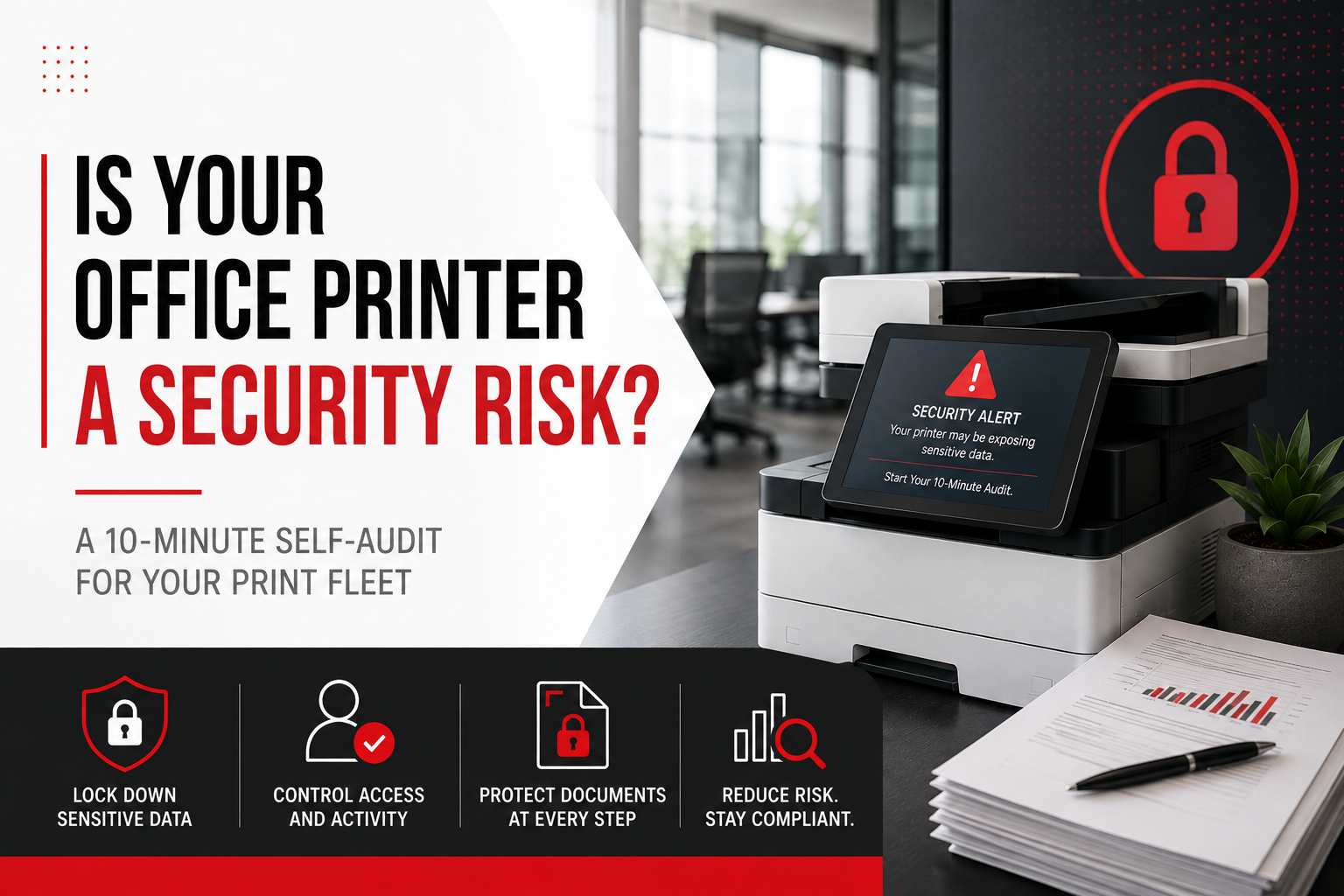
Yes, your office printer can be a security risk, and in most offices it is the least protected device on the network. A networked printer or copier is a computer with a hard drive, an operating system, and a network connection, and it handles some of the most sensitive documents your business touches. Print industry research firm Quocirca found in its 2026 study that 67 percent of organizations experienced at least one print-related data loss in the past year, with the average cost of a print-related breach now above $1.3 million.
The good news is that the biggest gaps show up in a check you can run yourself in about ten minutes. Here is the audit we would run on your fleet, laid out so you can run it first.
Key takeaways
- Modern printers and copiers store document images on internal drives, hold network credentials, and run their own operating systems.
- Quocirca's 2026 research found 67 percent of organizations had a print-related data loss in the past year, at an average cost above $1.3 million per breach.
- The most common gaps are factory-default admin passwords and firmware that has never been updated.
- Uncollected pages sitting in output trays remain the most frequent real-world exposure in shared offices.
- An end-of-lease data wipe should be written into the contract. Devices routinely leave buildings with years of stored images on board.
Why your printer is a bigger target than it looks
IT teams patch laptops and servers on a schedule, watch email for phishing, and lock down cloud accounts. The multifunction printer gets none of that attention, yet it sees payroll runs, contracts, medical forms, and everything else the business puts on paper.
Attackers know this. A compromised printer offers stored document images, a foothold on the internal network for lateral movement, and in some cases saved credentials for email and network folders. It is a soft entry point into an otherwise hardened environment, which is exactly why it keeps showing up in breach research year after year.
None of this requires a security team to fix. It requires knowing which questions to ask of your own fleet.
The 10-minute printer security self-audit
Walk up to your most-used device with this list. Every row is a yes-or-no check, and every red flag is a gap worth closing.
| # | Check | You have a gap if |
|---|---|---|
| 1 | Admin password | The device still uses the factory default, or the password is taped to the machine |
| 2 | Firmware | Nobody can name the last time this device was updated |
| 3 | Hard drive protection | Drive encryption and image overwrite are off, or nobody knows how to check |
| 4 | Output trays | Printed pages are sitting uncollected on the shared device right now |
| 5 | Print release | Jobs print the moment they are sent, with no badge or PIN required at the device |
| 6 | Scan destinations | Scan-to-email runs through an open relay, or scan folders are readable by everyone |
| 7 | Audit trail | Nobody could say who printed a specific document last week |
| 8 | End of lease | The contract has no written data sanitization requirement for returned devices |
Checks 1 and 2: the front door
Default credentials are published in every manufacturer manual on the internet, so a device still running them is effectively unlocked. Change the admin password to something unique and managed. Firmware is the same story in slower motion. Manufacturers ship security patches regularly, and a device that has never been updated is carrying every known vulnerability from the day it shipped.
Checks 3 and 4: data sitting still
Most multifunction devices keep images of the jobs they process on an internal drive. Drive encryption and automatic image overwrite are built into most modern machines and simply need to be turned on. The output tray is the low-tech version of the same problem. A payroll summary sitting on a shared device is a disclosure to whoever walks by, and in regulated industries it can be a reportable one.
Checks 5 and 6: data in motion
Secure print release closes the output tray gap at the source. A job holds on the server until its owner authenticates at the panel with a badge or PIN, so nothing prints to an empty room. Scan routes deserve the same scrutiny. Scan-to-email should run through an authenticated, encrypted path, and network scan folders should be readable only by the people who need them. A folder with years of scanned documents and open permissions is a breach waiting to be indexed.
Checks 7 and 8: proof and exit
When something goes wrong, the first question is who printed or scanned what, and when. Without user-level logging across the fleet, that question has no answer. The last check is the one almost everyone misses. When a lease ends, the device leaves the building, and unless a data wipe is written into your contract, its drive leaves with every image it ever stored. Ask for a certificate of data sanitization on every returned device.
What to do with your "no" answers
One or two gaps put you in the majority, so treat the audit as a punch list rather than a report card. The order that pays off fastest: change default passwords and update firmware today, since both are free. Then close the biggest exposure class with secure print release, which adds authentication and a full audit trail in one move. Platforms such as PaperCut do this across every major brand, so a mixed fleet is not an obstacle. Device-level settings come next, meaning drive encryption, image overwrite, and locked-down scan destinations. Then put data sanitization language into your lease before the current term ends.
Healthcare organizations have a second layer to think about, because these same gaps intersect with HIPAA obligations. Our guide to HIPAA compliant printing goes deep on that side.
How EDGE closes these gaps
Security is the fourth step of how EDGE runs every engagement, after we measure the environment, simplify the fleet, and put it under management. In practice that means devices are hardened at installation with unique credentials, encryption, and image overwrite turned on. Firmware is patched on a defined cadence instead of when someone remembers. Secure release and user-level logging run across the whole fleet regardless of brand, and data sanitization with certificates is written into the agreement rather than left to goodwill.
We have spent 14 years building print environments for organizations that cannot afford these gaps, including healthcare providers and law firms across Georgia.
Score your fleet in one pass
If your audit turned up more than a couple of red flags, the next question is how far they extend across the rest of your devices. Our free print environment survey maps every device in your fleet and flags exactly which of these checks each one fails.
Take your free print environment survey
Prefer to talk it through first? Schedule a 10-minute call. No pitch and no pressure, just a straight read on where your fleet stands.
Frequently asked questions about printer security
Can office printers and copiers be hacked?
Yes. Networked printers are computers with storage and operating systems, and attackers use them to steal stored documents, capture credentials, and move laterally into the rest of the network. Default passwords and outdated firmware are the two most common entry points.
Do copiers store copies of the documents they print and scan?
Most modern multifunction devices keep images of processed jobs on an internal hard drive. Drive encryption and automatic image overwrite protect that data during use, and a documented data wipe protects it when the device is returned or retired.
What is secure print release?
Secure print release holds a print job on the server until the person who sent it authenticates at the device with a badge or PIN. It prevents documents from sitting uncollected in output trays and creates a user-level audit trail of who printed what.
How often should printer firmware be updated?
Firmware should be reviewed and patched on a regular schedule, the same way servers and laptops are, rather than only when a problem appears. Managed print programs typically handle this on a defined cadence across the whole fleet.
Is printer security a concern for small businesses?
Yes. Small businesses run the same networked devices with the same stored data and are less likely to have anyone assigned to secure them. The self-audit above applies to a fleet of two devices as much as a fleet of two hundred.
